 SpokenFile
From recording to a finished note
Capture a conversation, jump to the words that matter, and share the right part of it. Explore the workflows in SpokenFile for iPhone, iPad and Apple Watch.
Mark a moment while it’s happening
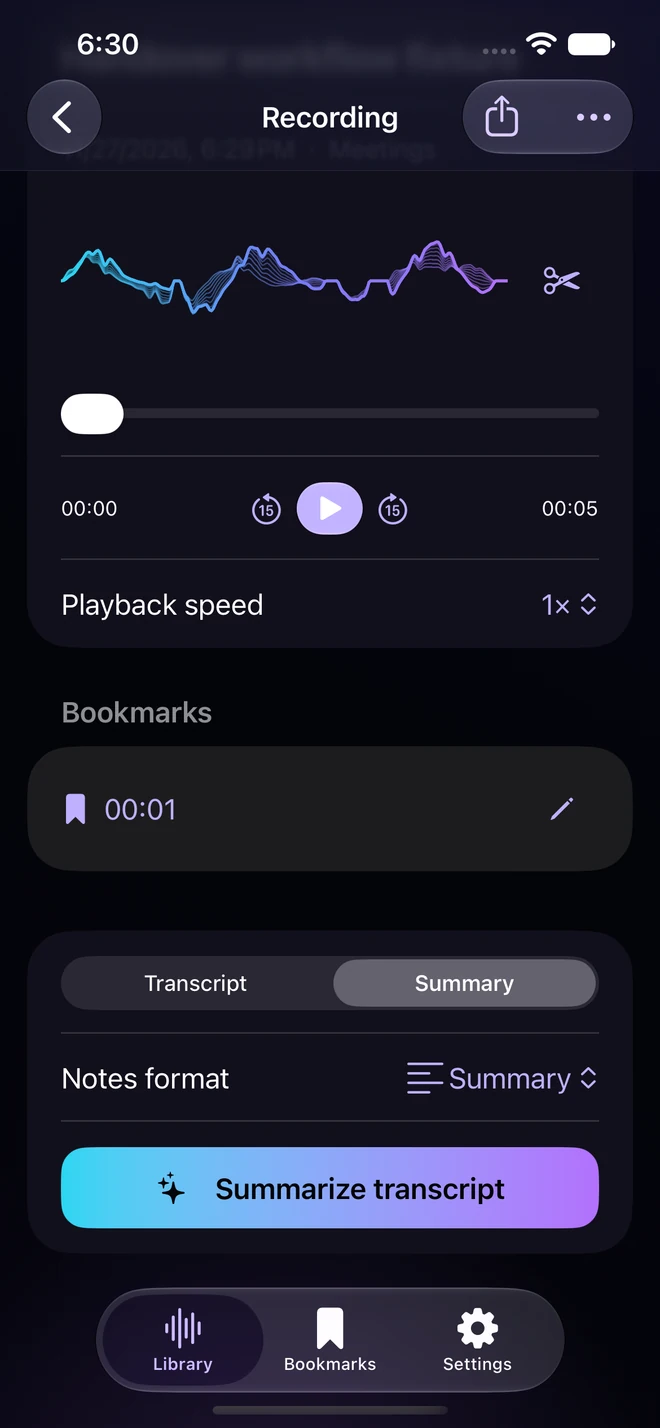
Start a recording, pause through the break, and add a bookmark when someone says something you want to revisit. On Apple Watch you can record at your wrist and transfer the saved audio to your paired iPhone.
Hear the words behind the transcript
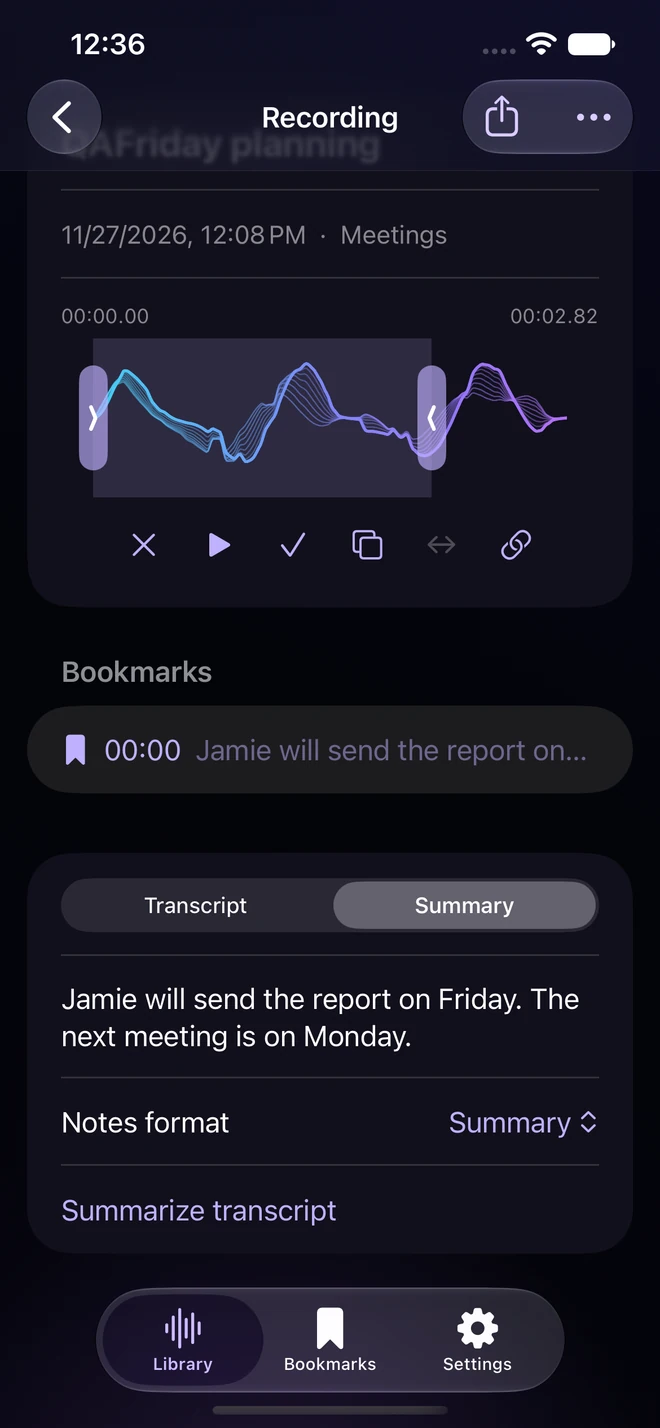
Choose a supported spoken language and transcribe a saved recording on your device. Tap the timestamp beside a passage to hear it again. Use passage options to fix a name, correct a speaker label or bookmark a sentence. The audio stays playable if recognition is unavailable.
Turn a conversation into working notes
Open Summary after transcribing. For a project meeting, choose meeting notes and copy the action items into your task list. For an interview, check the suggested points against the speaker’s actual words. AI formats depend on an available Apple model. Pro adds custom templates.
Keep the original take
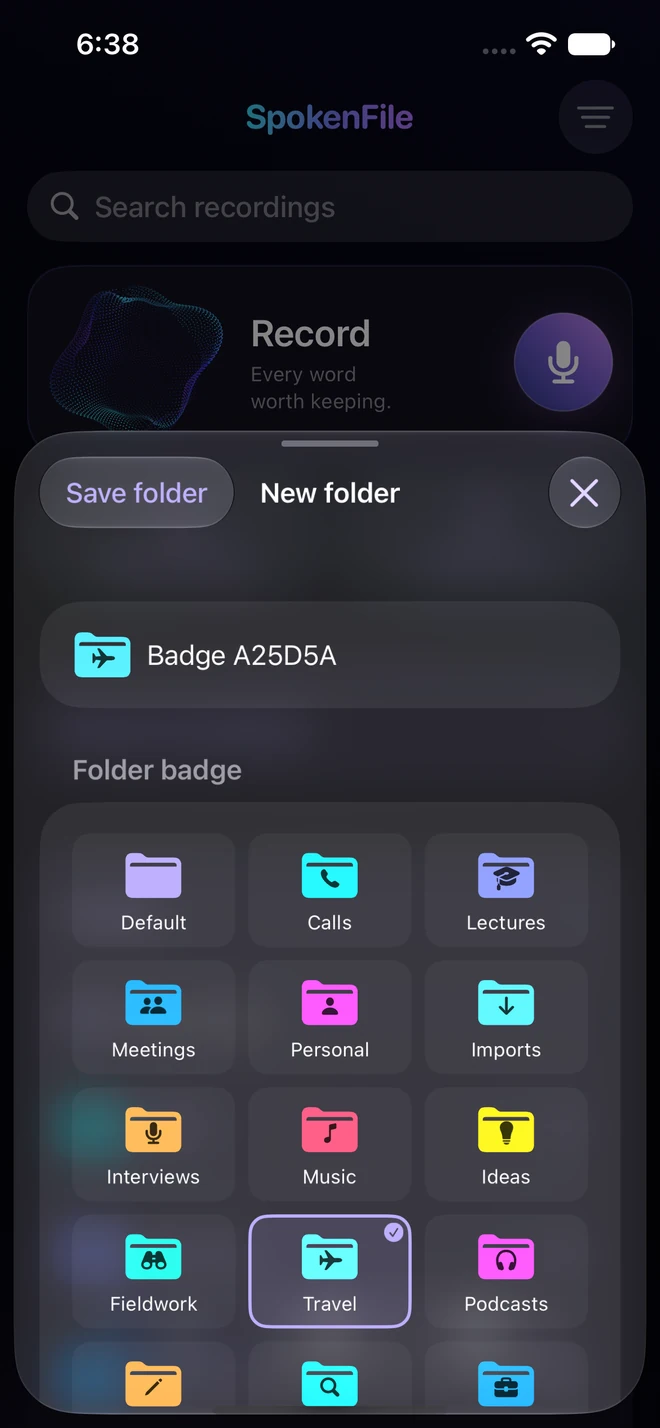
Use the waveform to select and preview a passage. Save a trimmed copy when you want to share an excerpt and keep the whole conversation. Organize recordings in folders, then search by title or transcript. Pro also lets you split or merge recordings and add searchable tags.
Choose what the recipient gets
Free includes M4A audio and plain-text transcripts. Pro adds WAV, Markdown, PDF, RTF, CSV, JSON, SRT, WebVTT and a combined ZIP archive. Someone reviewing a quote might only need text. A video editor can use a subtitle file with timing.
Decide where copies go
Your library starts on your device. Pro offers optional personal iCloud Drive sync. PIN-protected recordings are excluded from that sync. You choose which files leave the app through the share sheet. Read how storage, sharing and deletion work.
Inside the app