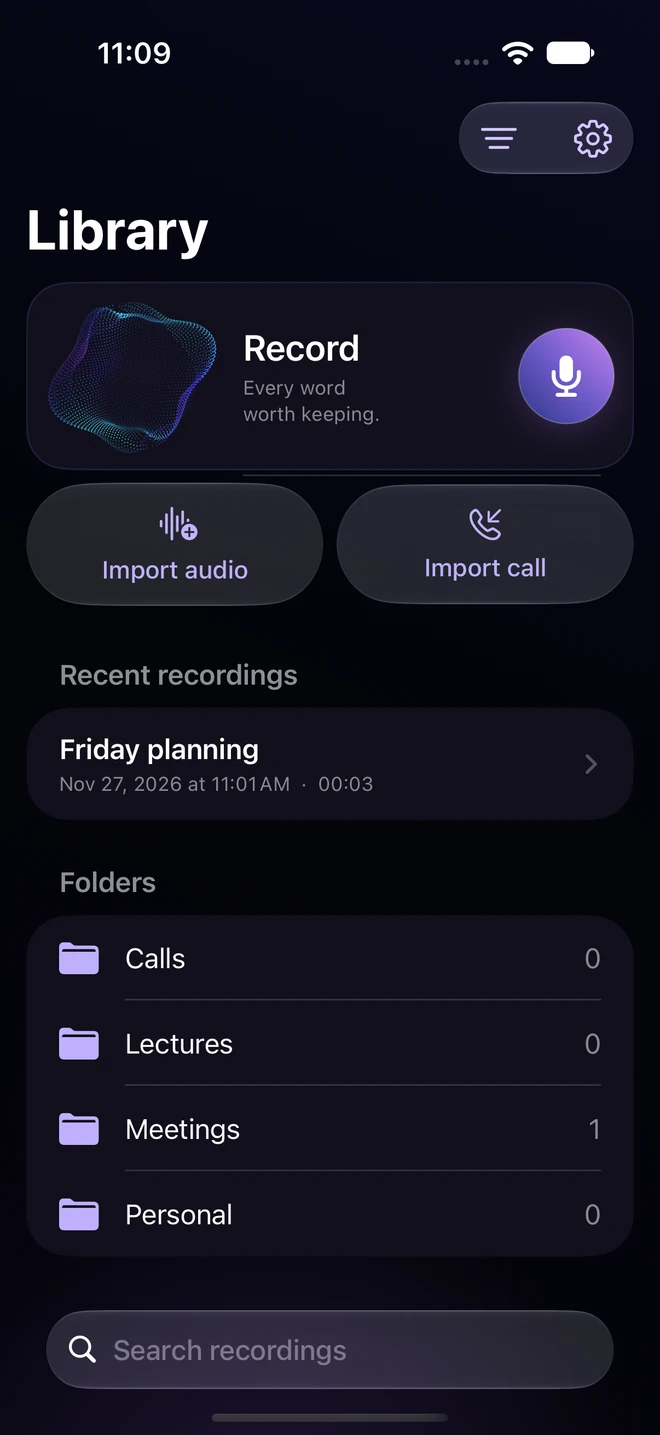
Library
Save the conversation
Give each recording a name you’ll recognize and group related sessions in folders.
 SpokenFile
 Voice Recorder
Record a conversation, tap a line to hear it again, and turn the passages that matter into notes. Transcription runs on your device.
In development for iPhone and iPad.
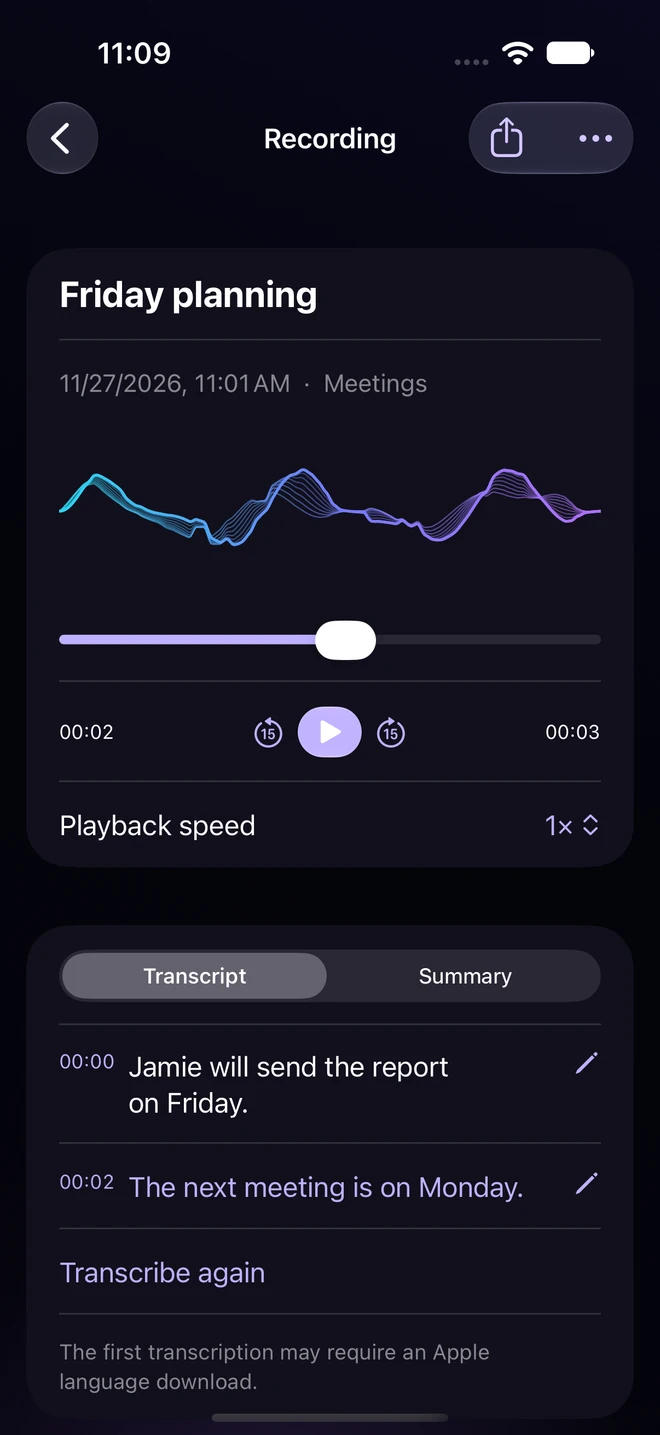
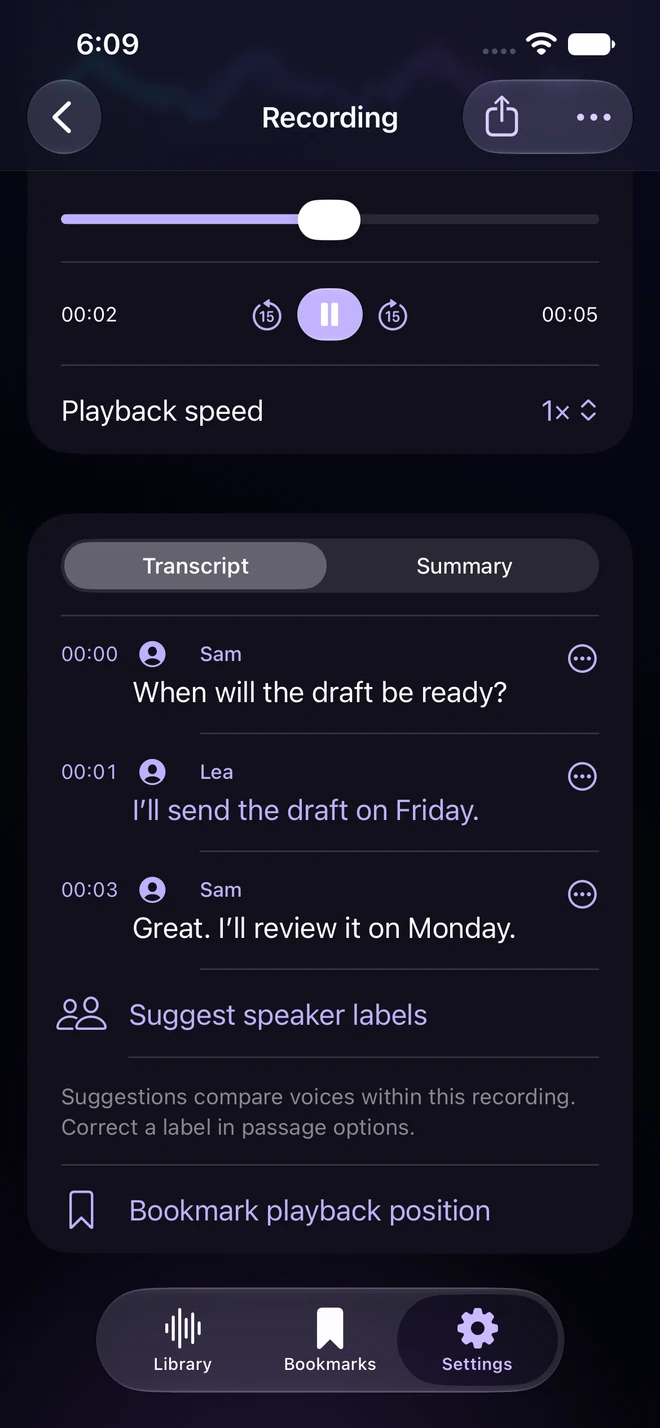
Give each recording a name you’ll recognize and group related sessions in folders.
Free playback planner
A 45-minute recording takes 30 minutes at 1.5×. Work out your listening time at five playback speeds.
Place the microphone, test both voices and check the saved audio before you leave.
Give a long recording a short listening index with timestamps you can recognize later.
Replay uncertain passages, check names and numbers, and label speakers with care.
Keep the audio, transcript and notes together. Local speech recognition depends on your device, language and installed Apple assets.
The planned Free tier includes recording, playback and 120 transcription minutes per calendar month.
Pro adds advanced exports and unlimited transcription on supported devices. Compare plans and launch prices.
The public US App Store listing was unavailable when checked on November 28, 2026. The availability page carries the latest information verified by SpokenFile.
No. Recording and playback use none of the 120 free monthly transcription minutes. The allowance applies when you process audio for a transcript.
You can import a compatible audio recording that you have permission to use, including one you exported from Apple Notes. SpokenFile works with the saved file. It does not tap into a live cellular call.
Check the release status and device requirements for SpokenFile.