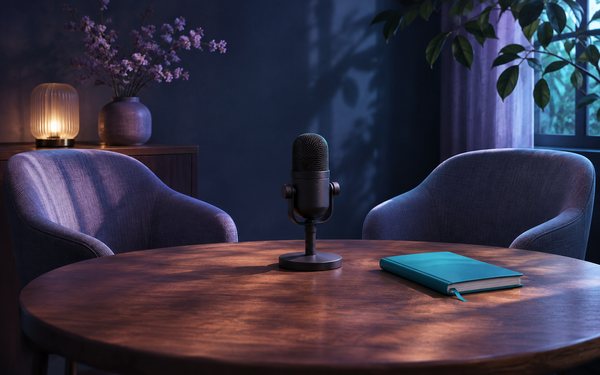
Recording
How to record a clear interview
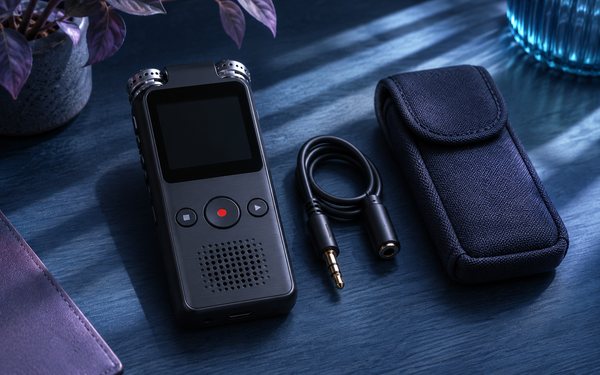
Place the microphone, test both voices and check the saved audio before you leave.
 SpokenFile
Start with a clear recording, then follow the sound through transcription, review, and export.
Walk through capture and playback.
Estimate listening time and download a worksheet.
Compare the tools that fit your workflow.
Place the microphone, test both voices and check the saved audio before you leave.
Give a long recording a short listening index with timestamps you can recognize later.
Replay uncertain passages, check names and numbers, and label speakers with care.
Trace a task back to its speaker, owner and deadline before circulating meeting notes.
Match audio, plain text, formatted documents and timed captions to the recipient’s task.

Give recordings useful titles, choose a few folders and keep highlights easy to retrieve.
Use SpokenFile’s capture settings to estimate the space a session needs before pressing Record.
Download the right language asset and test a short recording on the device you’ll carry.
Preview your edit boundaries and save a separate copy before using the shorter clip.
Import compatible audio from Files and check the copy before editing or transcribing it.

Build a short question set from a lecture and link each answer back to the relevant passage.

Choose the minimum useful material, check the whole excerpt and review its destination.