 SpokenFile
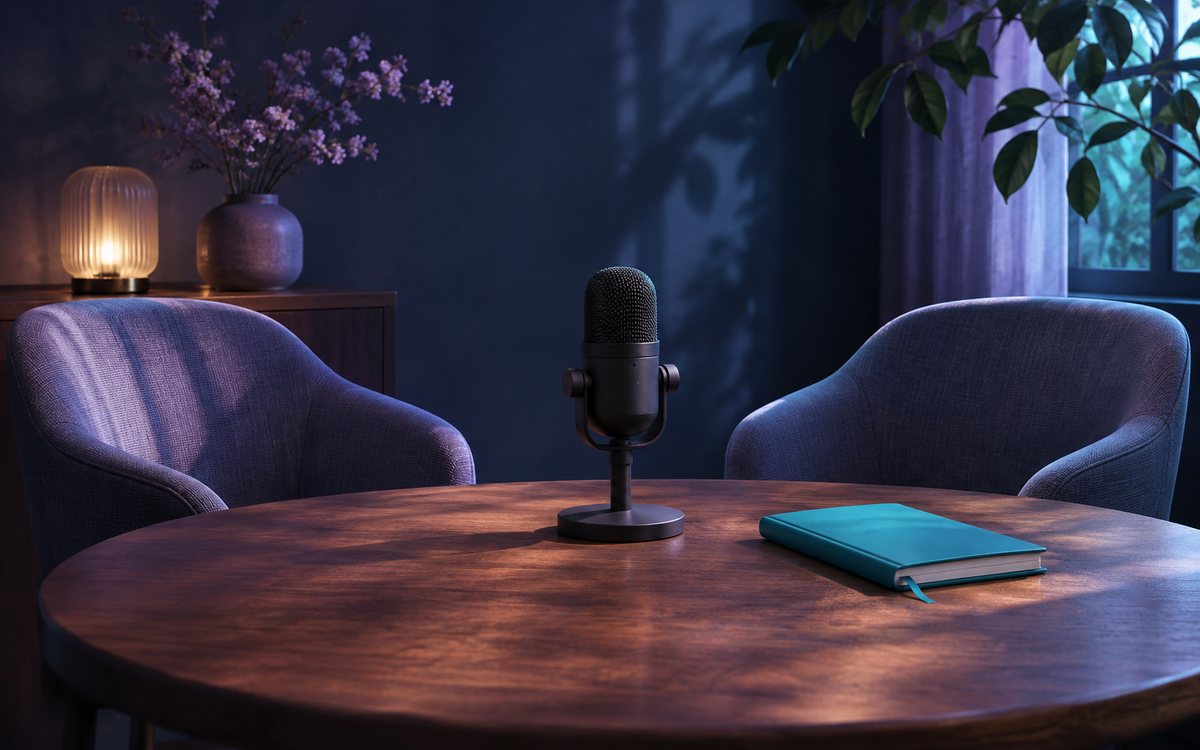
Before the first question, record a short exchange and listen back. A test that includes the quieter speaker tells you more than a moving level meter.
Set the recorder where the conversation happens
Agree with your guest on what you will record and who can hear it. Set the recorder on a stable surface between you. Ask each person to answer a question at their usual volume. Include a few seconds of quiet so you can hear what the room sounds like.
Listen from the quieter seat
Play the test with headphones. Can you follow the ends of sentences? If one voice disappears under the fan, move the recorder closer to that person or move both chairs away from the fan. Test again. A mug set down next to the microphone can drown out a word even when both voices sound clear from your chair.
Mark the passage while you listen
During the interview, let your guest finish before asking a follow-up. If a name needs spelling, ask at a natural pause. In SpokenFile, tap Bookmark when an answer begins that you want to revisit. Pause for a break and resume when everyone is ready.
Check the ending before you pack up
Stop and open the saved recording. Play a few seconds from the beginning and the last exchange. Give the file a topic-based title while the conversation is fresh. If an answer needs clarification, ask permission to capture a short follow-up and give it a related title.