 SpokenFile
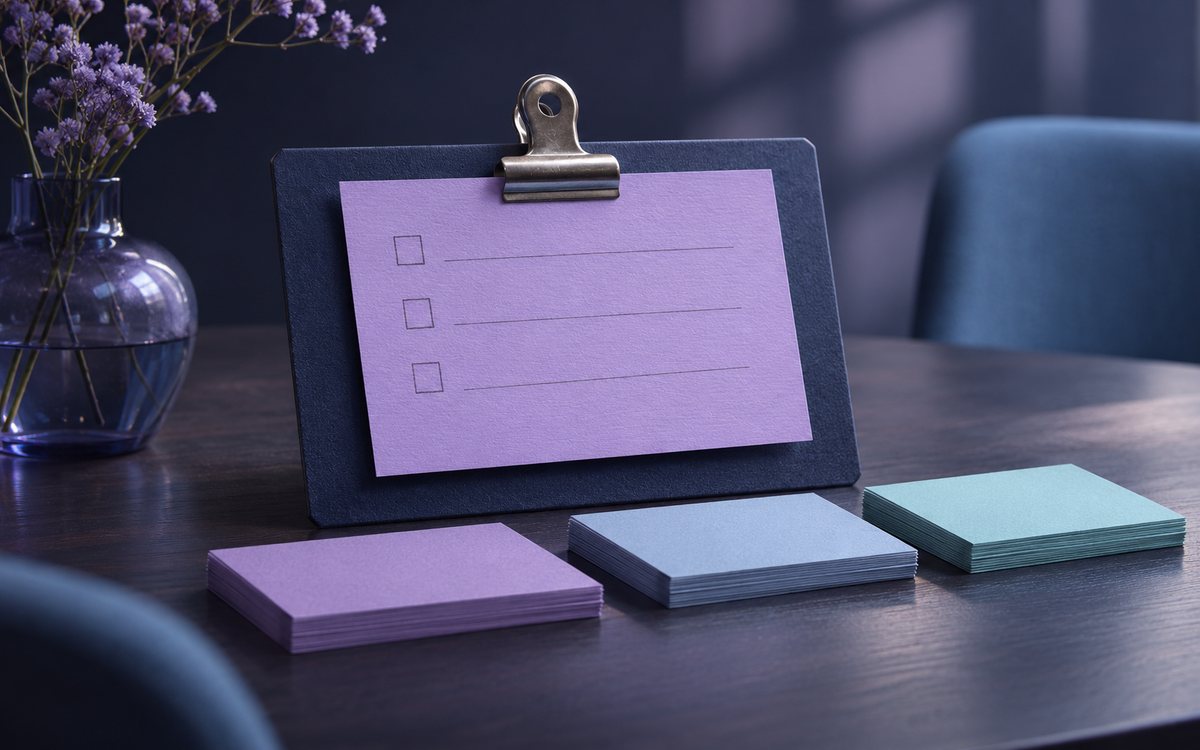
A useful action item says what someone agreed to do and when they agreed to do it. Preserve uncertainty when the meeting ended with an open question.
Listen for a commitment
During a discussion, mark where a proposal turns into a decision. “We could send the drawings Friday” is a suggestion. “I’ll send the revised drawings to Lee on Friday” assigns a deliverable, owner and date. Write down the timestamp even when the commitment sounds straightforward.
Review the draft beside the recording
In SpokenFile, start with a transcript. On a compatible device with the necessary Apple assets, open Summary and choose Meeting minutes or Action items. Treat the generated list as a draft. For each line, find the sentence in the transcript and play its timestamp. Check names, quantities and any conditions on the promise.
Keep unresolved details visible
Suppose a speaker says, “I’ll circulate the proof after the photo arrives.” A faithful note might read “Morgan will circulate the proof after the photo arrives. Date still open.” Adding Friday because it appeared elsewhere in the meeting creates a deadline nobody accepted. If two people both offer to help, ask who owns the final delivery.
Send only the relevant tasks
When a meeting result contains actions, Copy action items lets you take that list into your own message or task tracker. Read the pasted text once for stray commentary. Include a date or a short topic for context and give participants a way to correct an item before others rely on it.