 SpokenFile
Troubleshoot on-device transcription
Check the spoken language, local speech availability and remaining minutes when a saved recording plays but its transcript is missing.
Start with the audio
Play the recording and listen for speech at a normal volume. If a media file failed to import, try playing the original first. SpokenFile copies the audio from compatible media into its library. Keep the source file until you confirm playback.
Match the spoken language
In Settings, open Spoken language and choose the language being spoken in the recording. App language controls the labels and menus separately. Check the speech readiness shown for that language. An Apple language download may need a network connection and enough free storage.
Check your allowance and retry
Settings shows the minutes used this calendar month. On Free, the whole recording must fit within the remaining transcription time. Open the saved recording and choose Transcribe on device. If you already corrected its text, export a copy before choosing Transcribe again because a new transcript replaces those edits.
Correct one passage
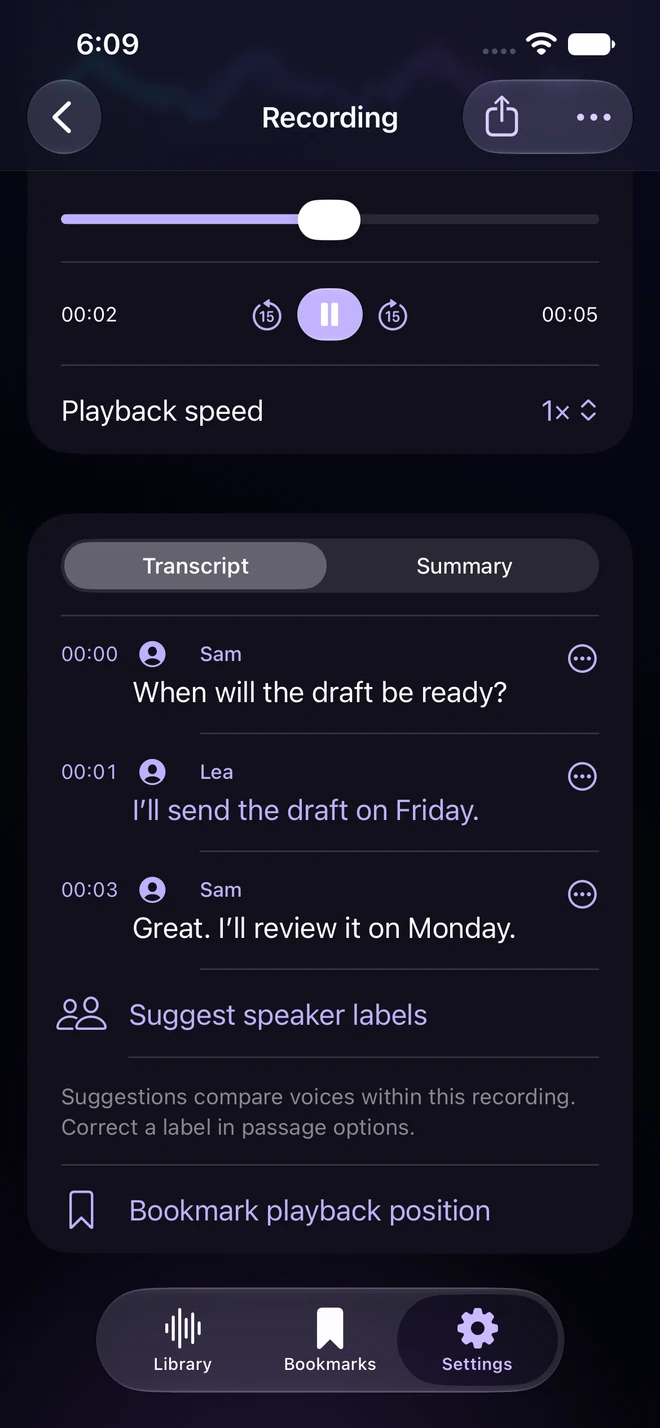
Tap its timestamp to listen. In Passage options, choose Edit text or Set speaker. Suggested speaker labels are estimates within one recording. Names, similar voices and overlapping speech are good reasons to check the original.