 SpokenFile
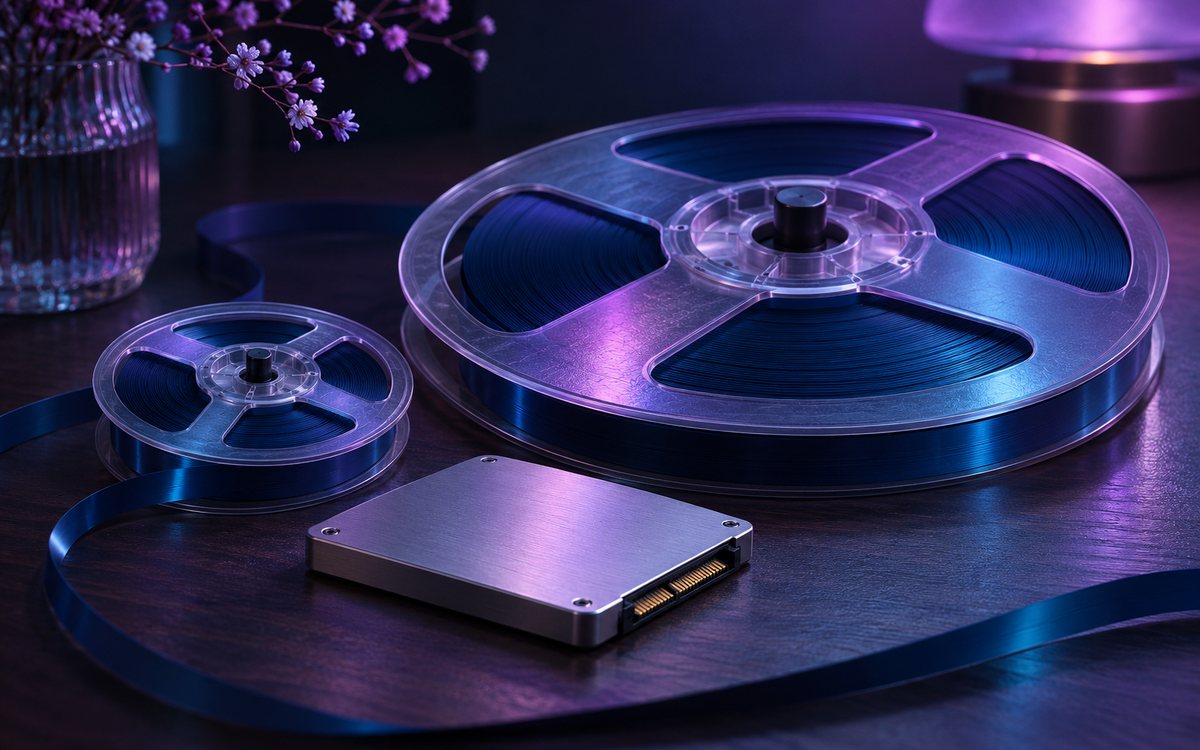
SpokenFile captures mono, 16-bit PCM audio. At standard quality, an hour of new audio uses about 151 MiB. At high quality it uses about 303 MiB. Leave room for the rest of the app and the device as well.
Start with the session you expect
Write down the time from the first question to the end of the session, including introductions and discussion. A workshop listed as one hour may include another fifteen minutes of questions. Estimate that longer duration if you intend to keep the conversation running.
Work from the capture quality
At standard quality, the recorder writes 22,050 samples per second, two bytes per sample, on one channel. Multiplying those values by 3,600 seconds gives 158,760,000 bytes for an hour. Dividing by 1,048,576 gives about 151 MiB. High quality uses 44,100 samples per second, doubling the audio size.
Budget for copies and other files
For a 90-minute session, the standard audio payload is about 227 MiB, and high quality is about 454 MiB. File headers, language assets, edited copies, exports and other apps use extra space. Check available storage before the session and leave a margin. A storage estimate cannot predict battery life or interruptions.
Compare like with like
A compressed M4A export or imported file can occupy a different amount of space from a fresh PCM capture. If you are preparing a batch, count how many original takes you plan to keep and then budget separately for the copies you expect to make. Test a short session in the quality setting you plan to use.