 SpokenFile
Your first recording
Use the built-in sample, save a short recording of your own and find an exact sentence again.
Listen before recording
Open the sample from an empty Library or from Settings. Tap a sentence to hear the recording at that point, then open Summary. The sample’s transcript and notes are already prepared, so exploring it uses none of your monthly allowance.
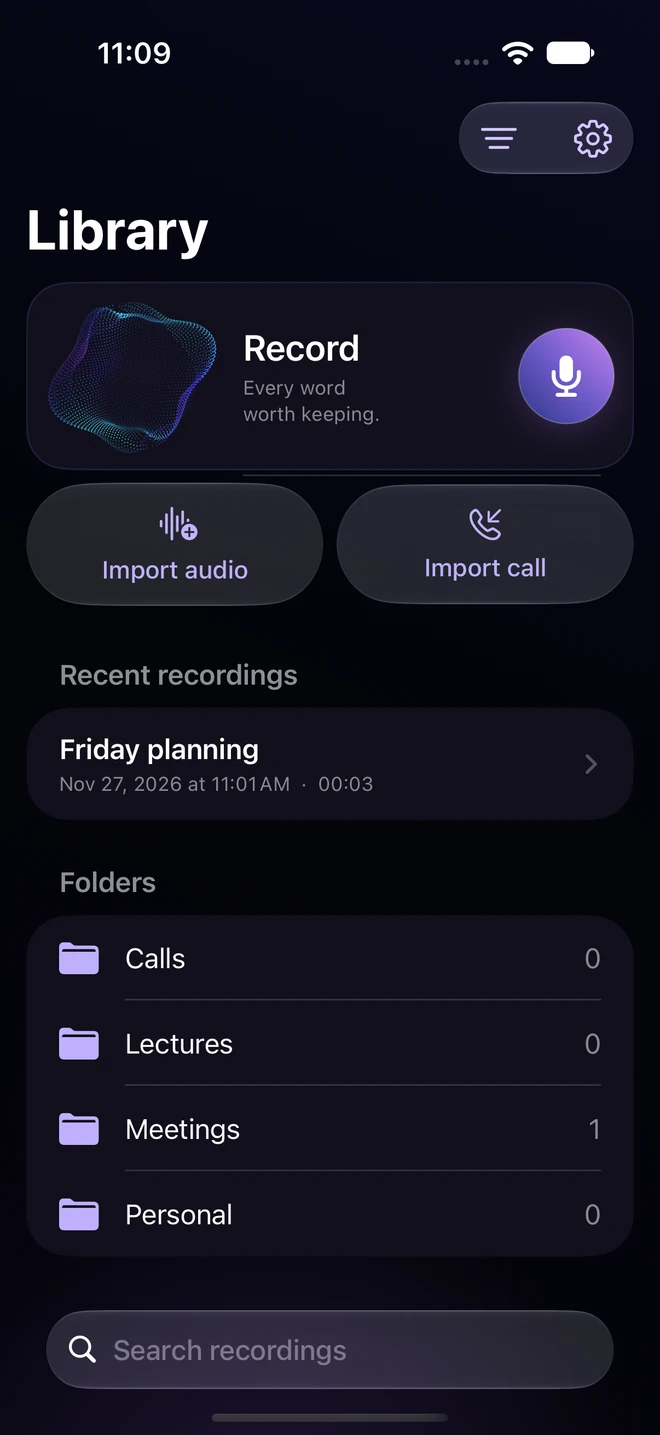
Save your own voice note
- Choose Record and allow microphone access when prompted. If you are recording other people, get the permissions you need first.
- Say a few sentences. Add a bookmark when you say something you want to find later.
- Stop and save. Open your recording in Library and give it a title you will recognize in a week.